Find any table
Search for a DynamoDB table across connected accounts and regions, then open it without navigating each AWS console separately.
Used by engineering teams at


Dynomate is built around the AWS accounts, profiles, regions, and local environments developers already use.
Use the same AWS configuration as your CLI and SDKs. Credentials stay in the AWS tooling and files you already manage.
Search for a DynamoDB table across connected accounts and regions, then open it without navigating each AWS console separately.
Open multiple profiles, regions, and tables at the same time. Every tab retains its own AWS and table context.
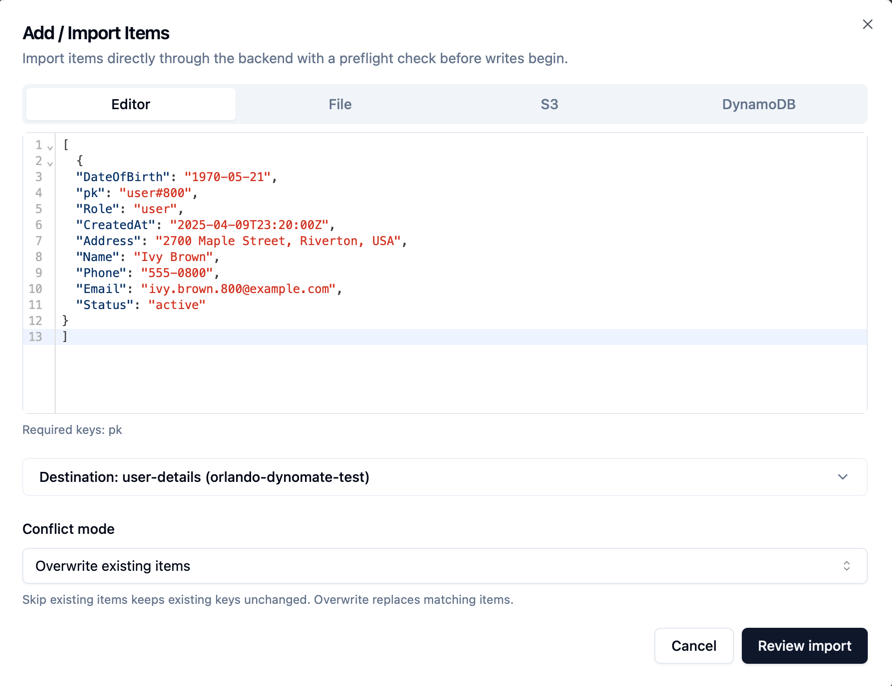
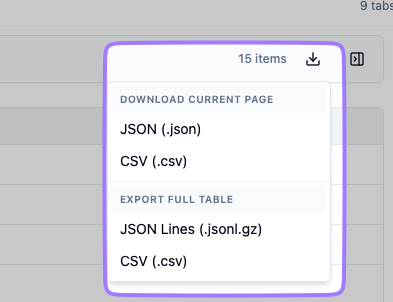
Explore multi-session workflowsBrowse, query, edit, import, and export DynamoDB data from one developer-friendly workspace.
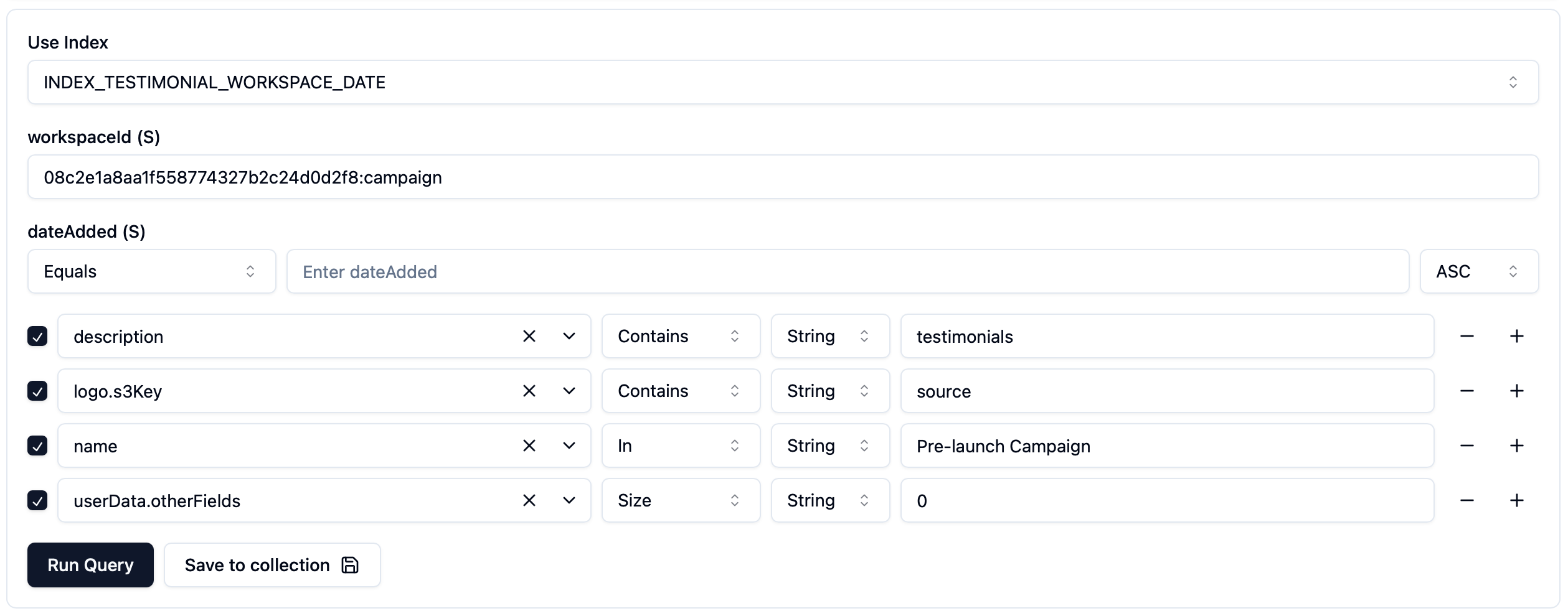
Edit
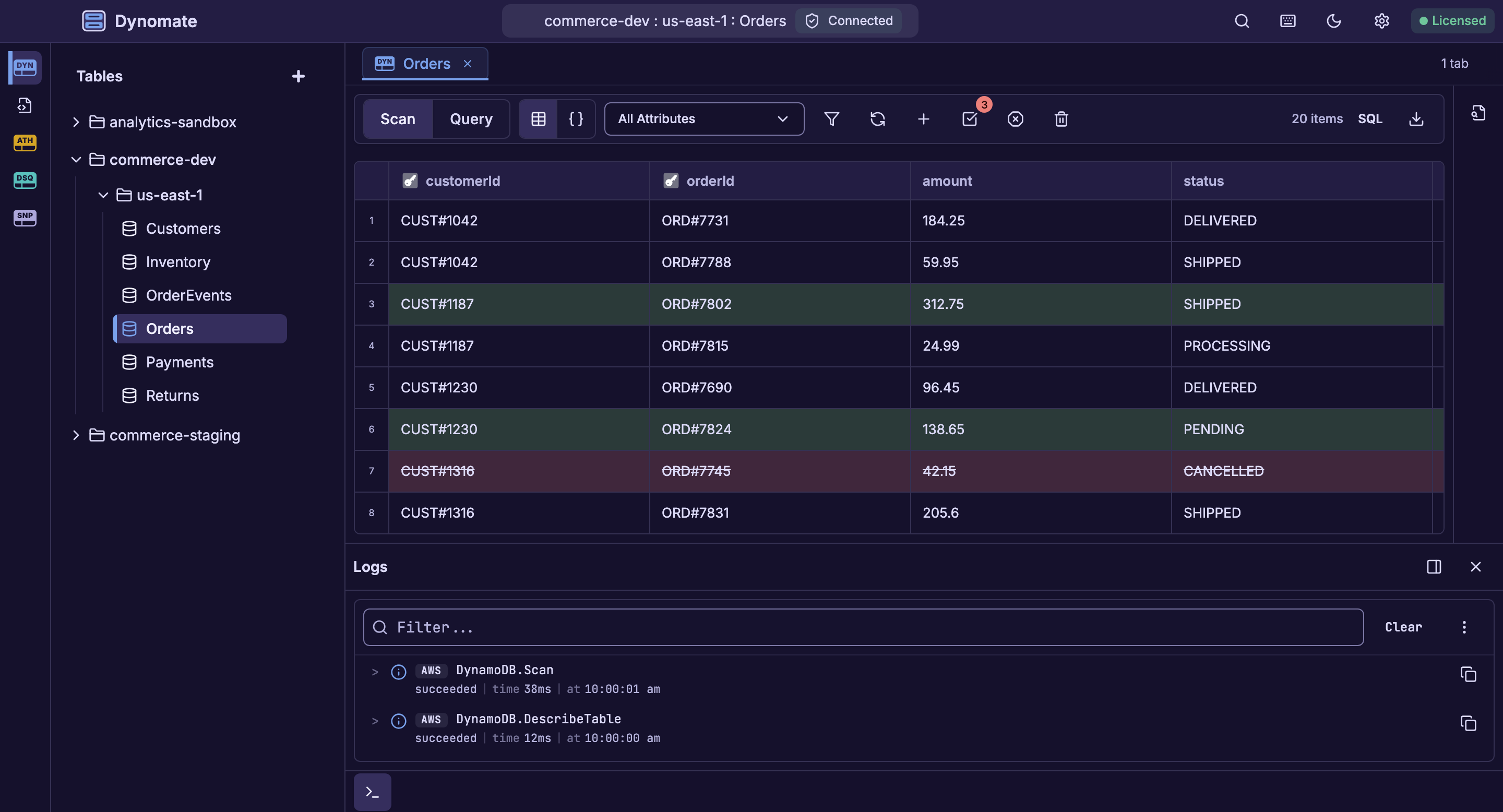
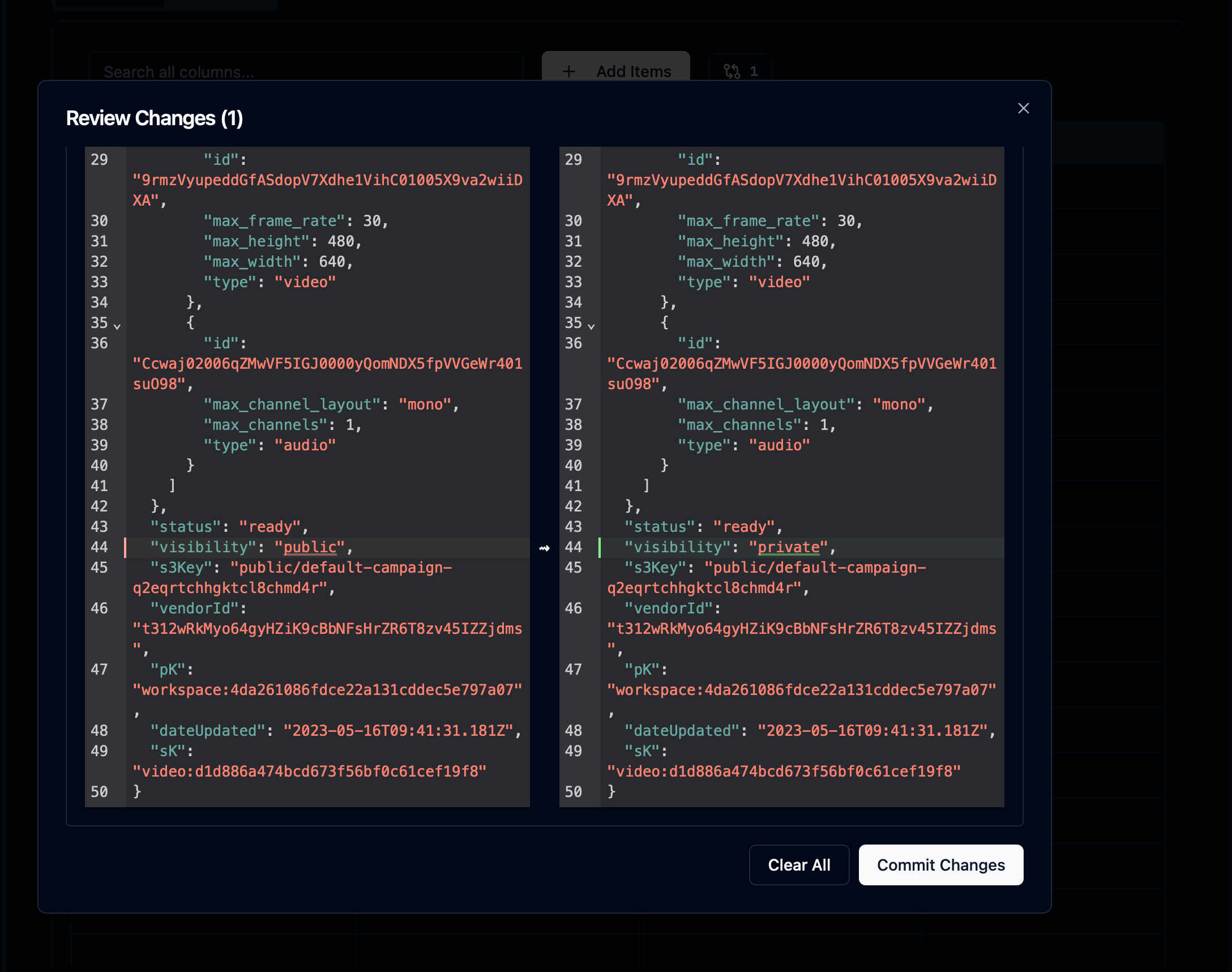
Edit values inline in the table or edit the selected item in the JSON inspector.
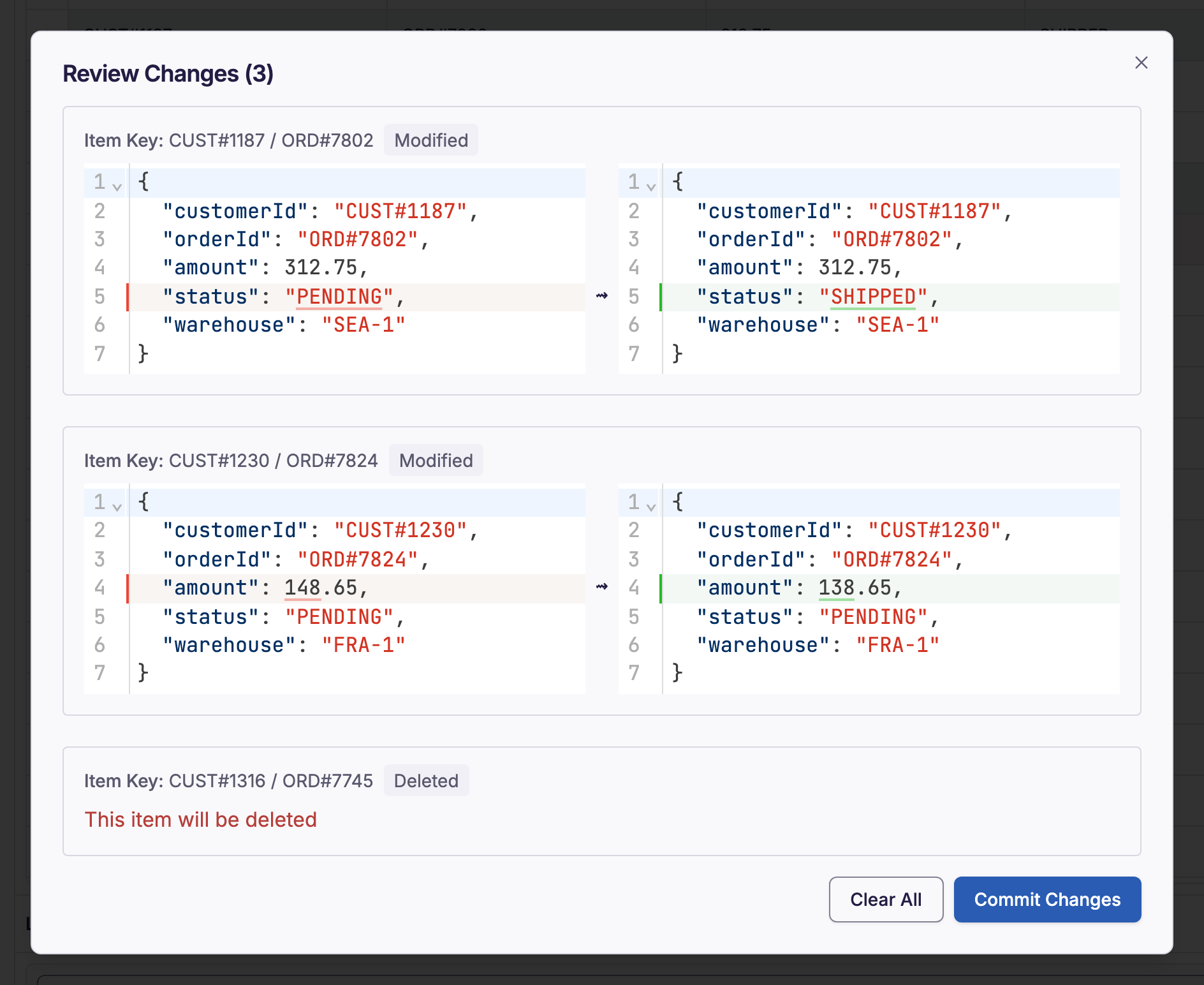
Stage
Collect writes, deletes, and key changes before anything is committed.
Review
Review the complete change set before applying it.
Commit
Apply the confirmed change set to DynamoDB.
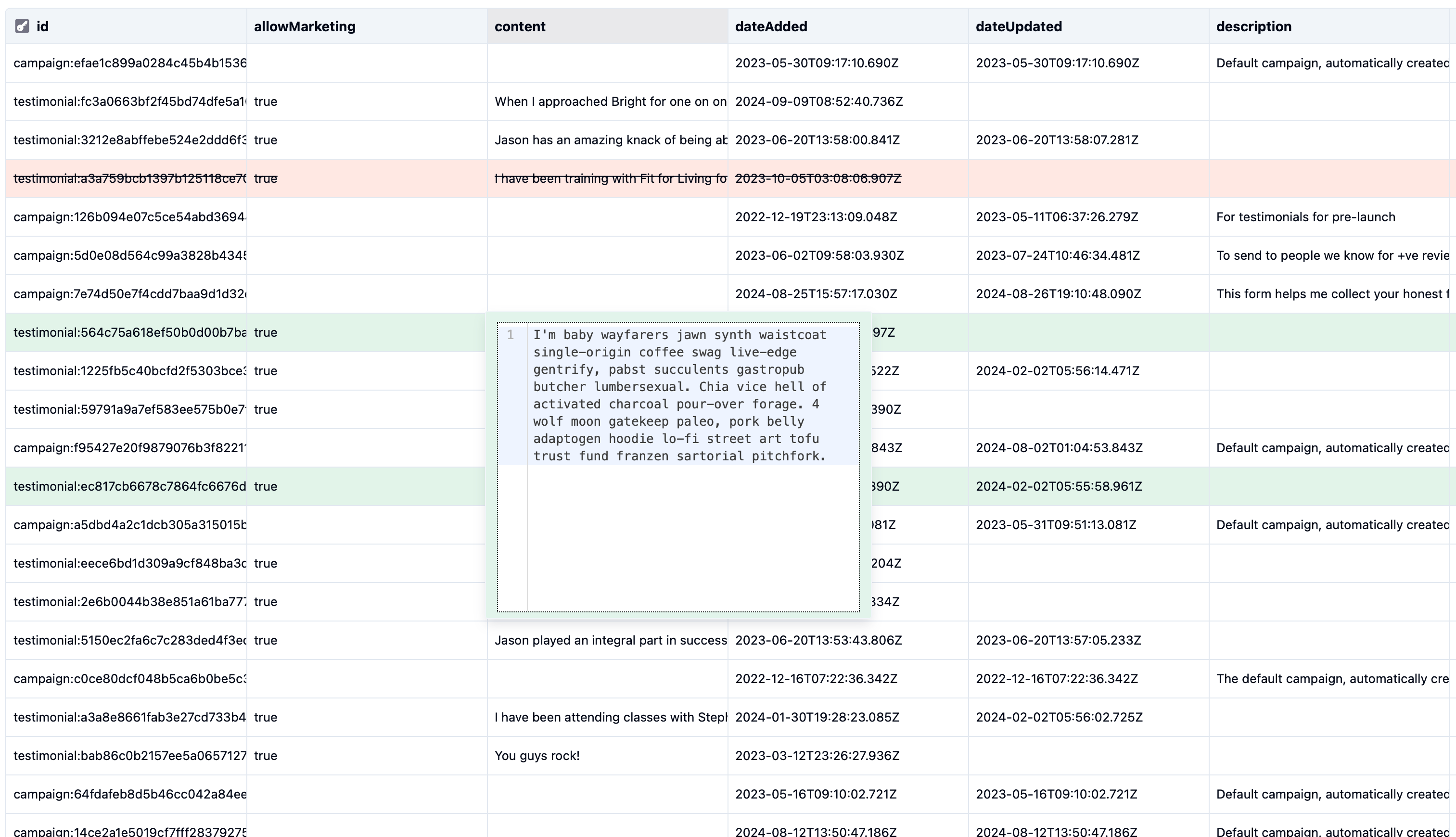
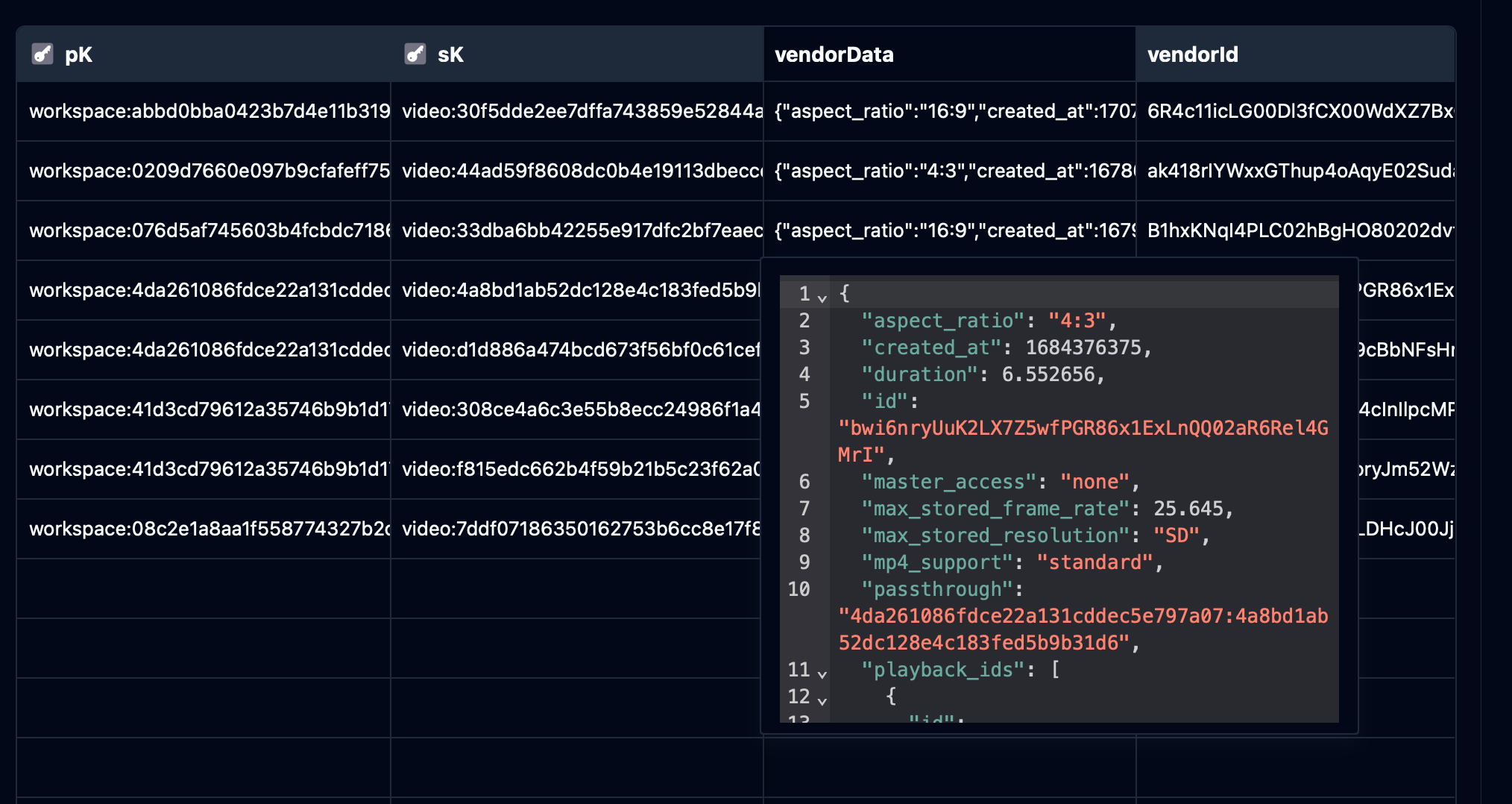
Creating or refreshing a snapshot scans DynamoDB once. Subsequent SQL queries run against the local copy.
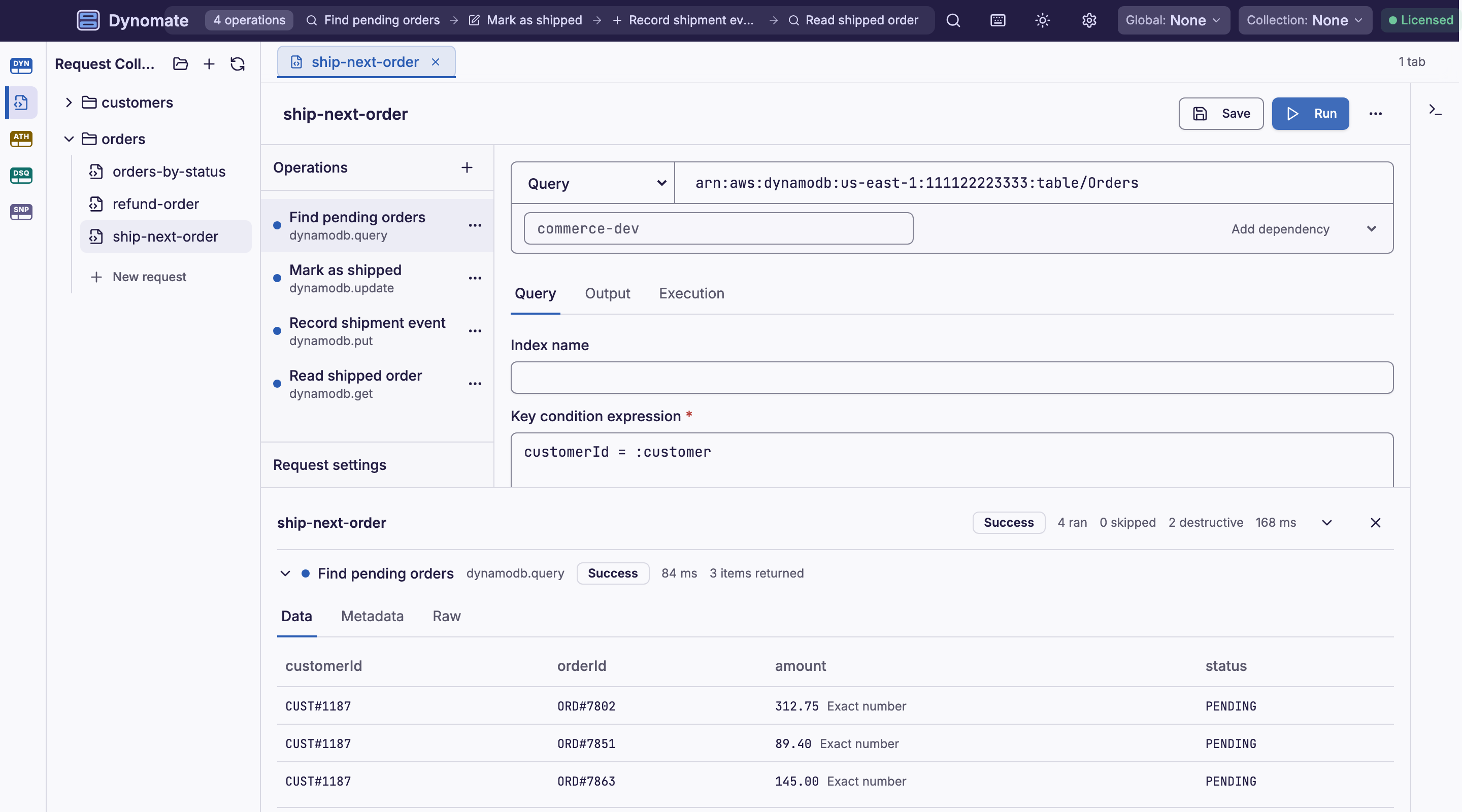
Build repeatable DynamoDB operations and keep them with the code they support.
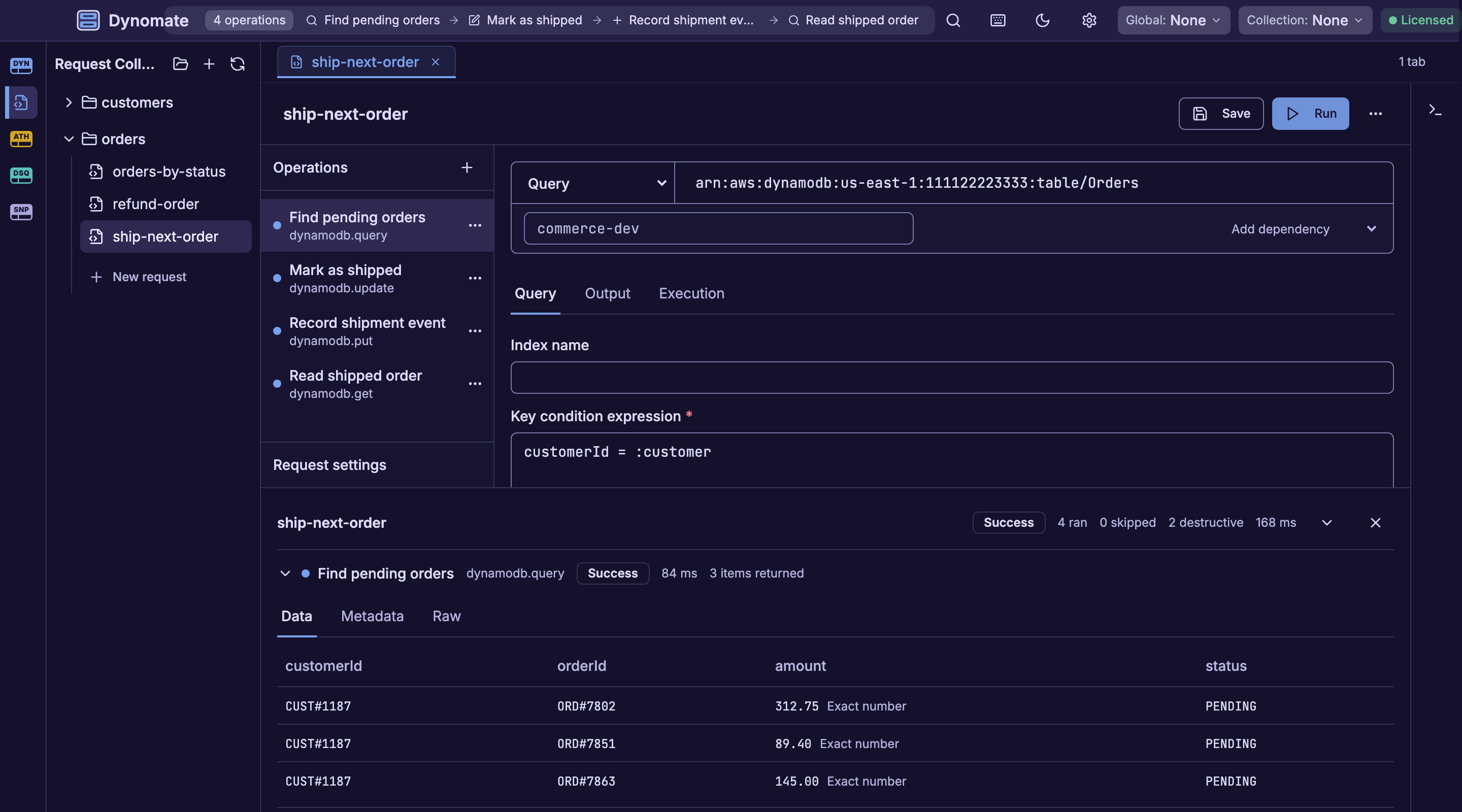
Build request collections that run query, put, update, and delete operations in sequence or in parallel. Pass values from an earlier result into a later request and switch AWS context with environments.
Dynomate stores request collections as local text files and folders. Keep them beside the application code, then use your existing Git workflow to review changes, track history, and share them with the team.
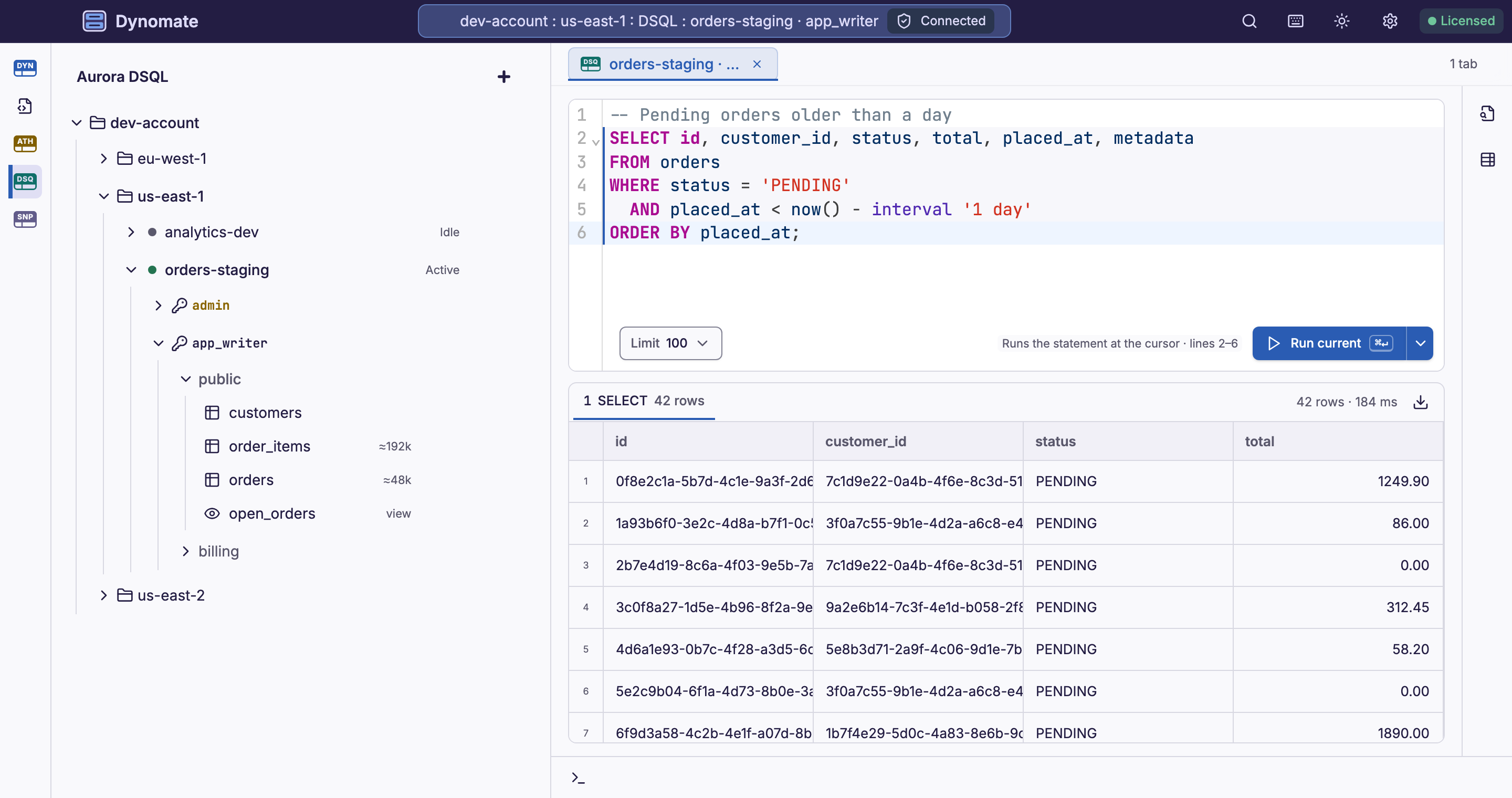
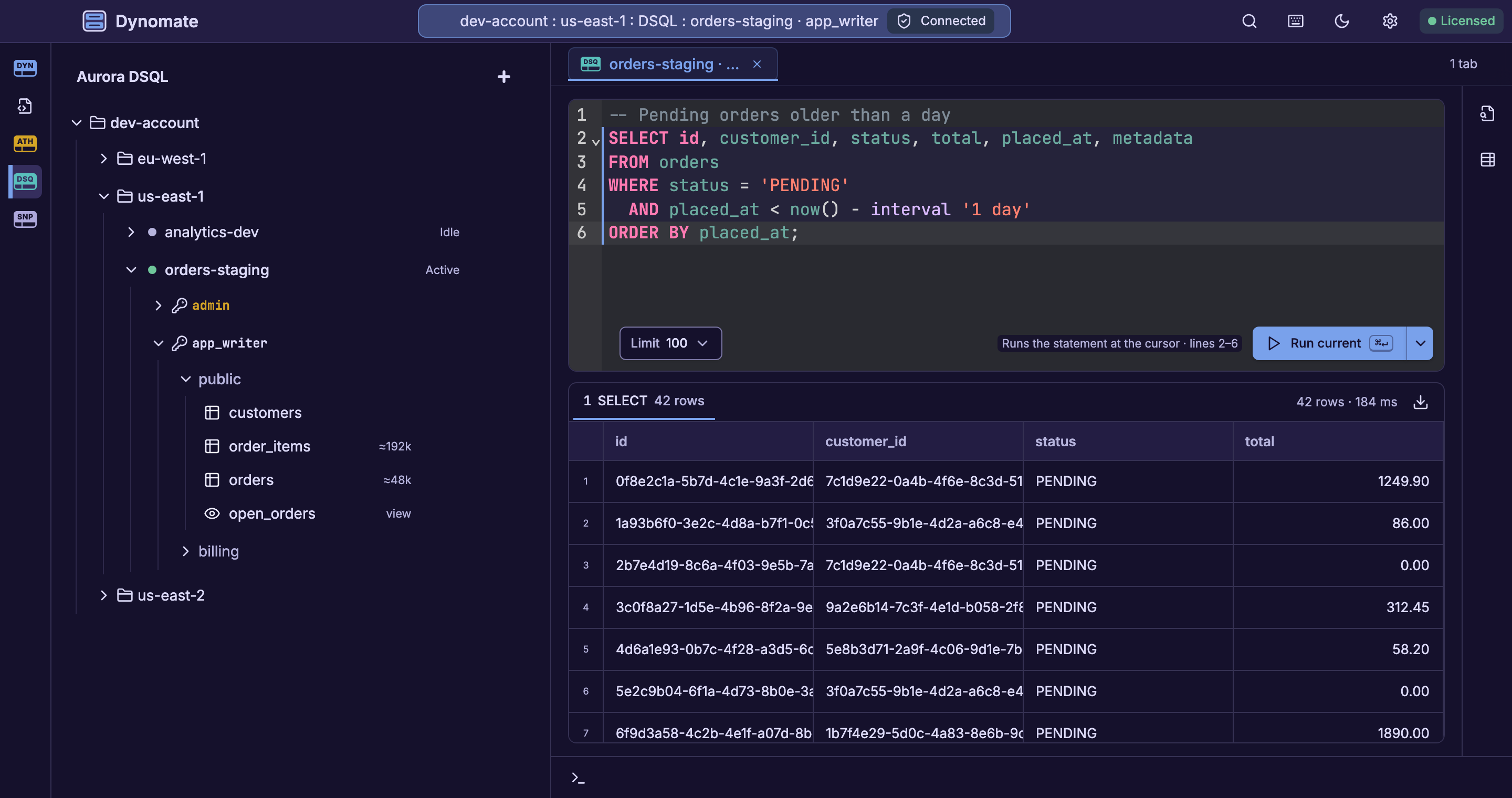
Use the same Dynomate workspace and AWS profiles for Amazon Athena and Amazon Aurora DSQL.
Available now
Browse Athena catalogs, databases, and tables. Write SQL or build a query with guided filters, choose a workgroup and S3 output location, cancel running queries, and export results to CSV or JSON.
Read the Athena release notesAvailable now
Discover clusters with your AWS profiles and connect with IAM authentication tokens, through the public endpoint or AWS PrivateLink. Run SQL in a console, filter and edit table rows, and read the schema and DDL of each table. Save Aurora DSQL operations in requests, and run them in the app or with the Dynomate CLI.
FROM THE FIELD
We used Dynobase for years, but as the product stopped being actively maintained and support requests went unanswered, we needed a reliable alternative. We now use Dynomate, and it stands out for its responsiveness and how quickly the team addresses our requirements. The level of care for product quality and customer support is something we have not experienced elsewhere. As we continue using Dynomate across different use cases, it is clear this is a product we can rely on long term.

Matt Valley
Founder at Testfully
Read about new DynamoDB, Athena, and Aurora DSQL workflows, fixes, and maintenance before you update.
| Version | Change | Date |
|---|---|---|
| v2.2.0 | IAM Identity Center Sign-Ins Renew Automaticallyfeature | |
| v2.2.0 | Setup Wizardfeature | |
| v2.2.0 | Rebuilt Add Items Dialogfeature | |
| v2.2.0 | Dynomate CLI 0.2.0feature | |
| v2.2.0 | Import, Sign-In and Log Fixesfix | |
| v2.1.0 | Aurora DSQL Clusters and Connectionsfeature | |
| v2.1.0 | SQL Console for Aurora DSQLfeature | |
| v2.1.0 | Filter and Edit Table Rowsfeature |
DOWNLOAD
Built with feedback from AWS developers. Install Dynomate on macOS, Windows, or Linux, then open an AWS profile or DynamoDB Local endpoint.